Connect Your Android Watch to iPhone.
Calls, notifications, contacts and health: your Android watch, fully alive on iPhone.
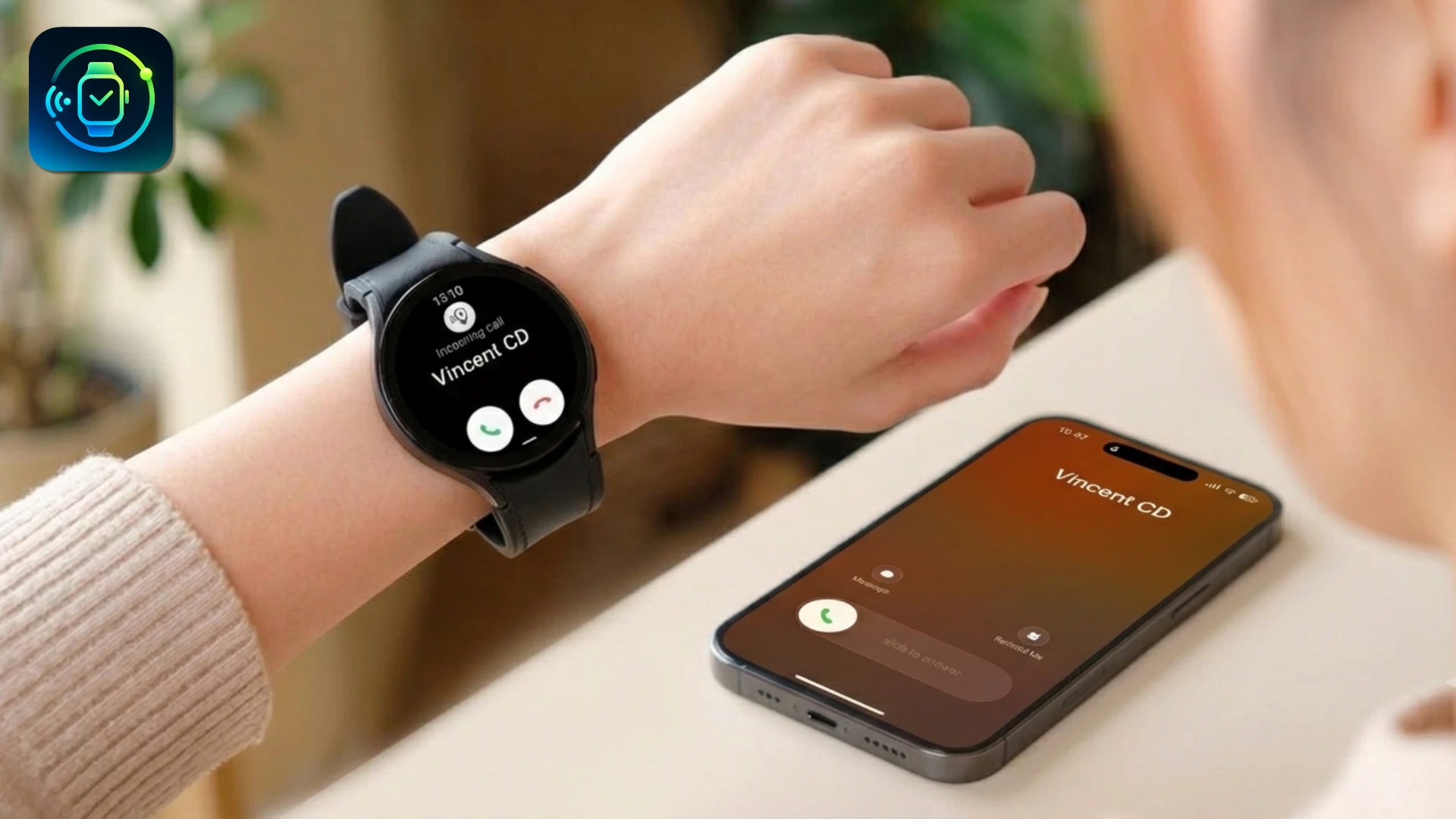
Everything You Need, on Your Wrist
Notifications on Your Wrist
Every iPhone notification (iMessage, WhatsApp, Gmail) mirrored instantly to your watch.
Take Calls From Your Watch
Answer and make calls directly from your watch speaker and mic. No phone needed.
Sync to Apple Health
Heart rate, steps, sleep and calories from your watch flow straight into Apple Health.
Connect in 3 Steps
Get your Android Watch talking to your iPhone in minutes.

Install Lynio on your iPhone
Scan the QR code with your iPhone, or search the App Store for "Lynio".
Install Lynio on your Android Watch
Search for "Lynio Watch" in Google Play on your watch, or install it via the iPhone app.
Follow the setup process in the apps
Grant permissions on your phone, then start pairing from the watch app.
Works With Your Watch
Samsung Galaxy Watches are fully Optimized. More devices added regularly.
Fully tested, best experience guaranteed
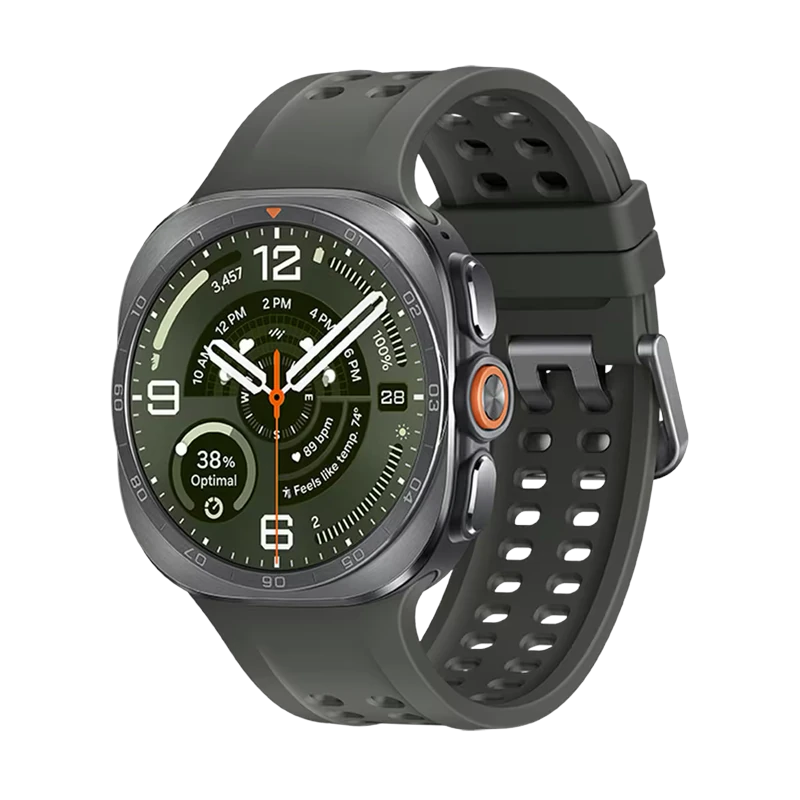
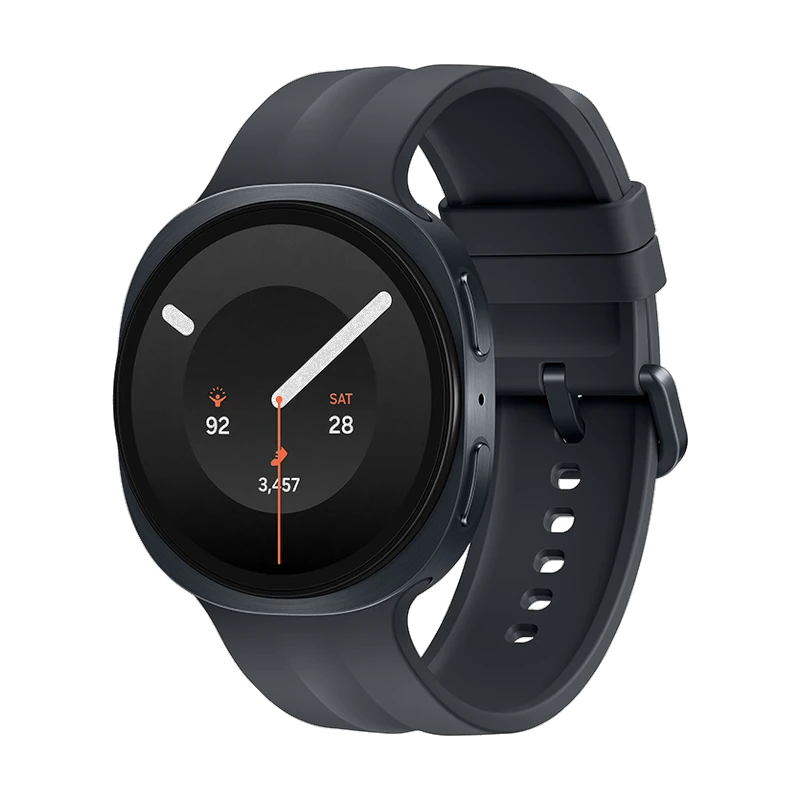


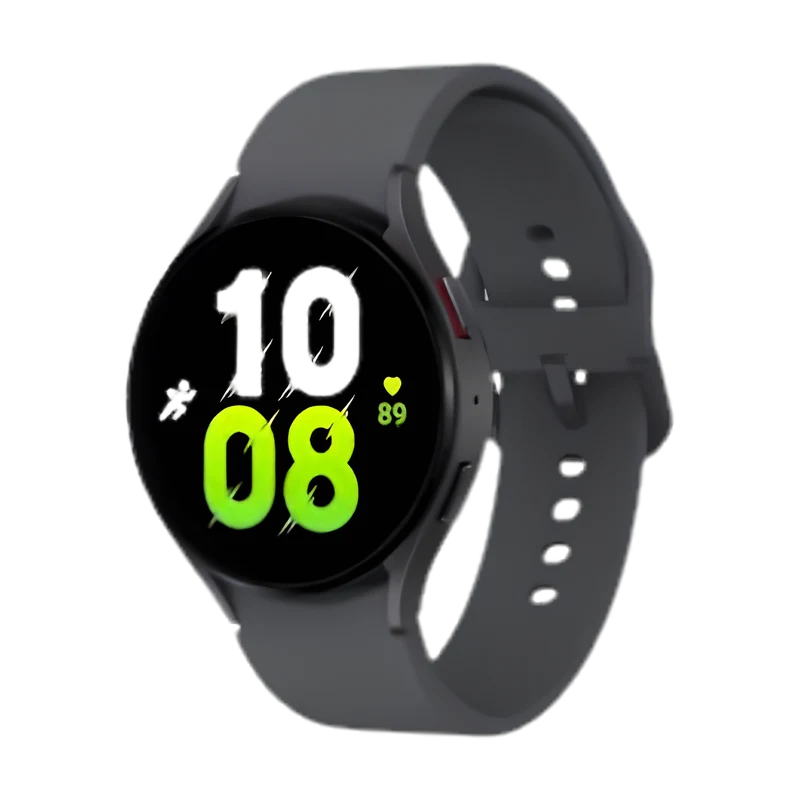


Works with Lynio, full support available
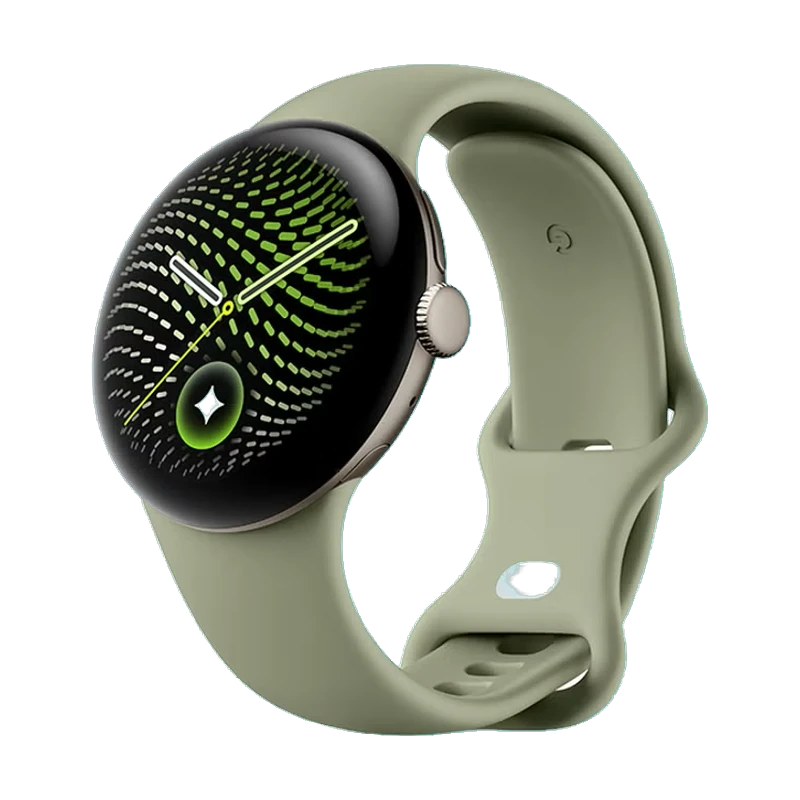


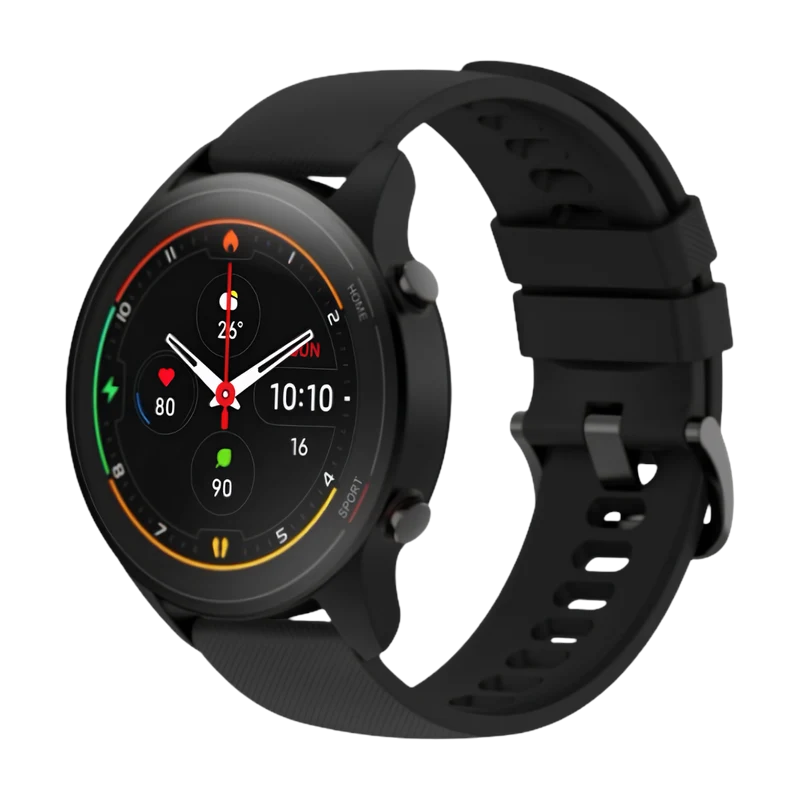


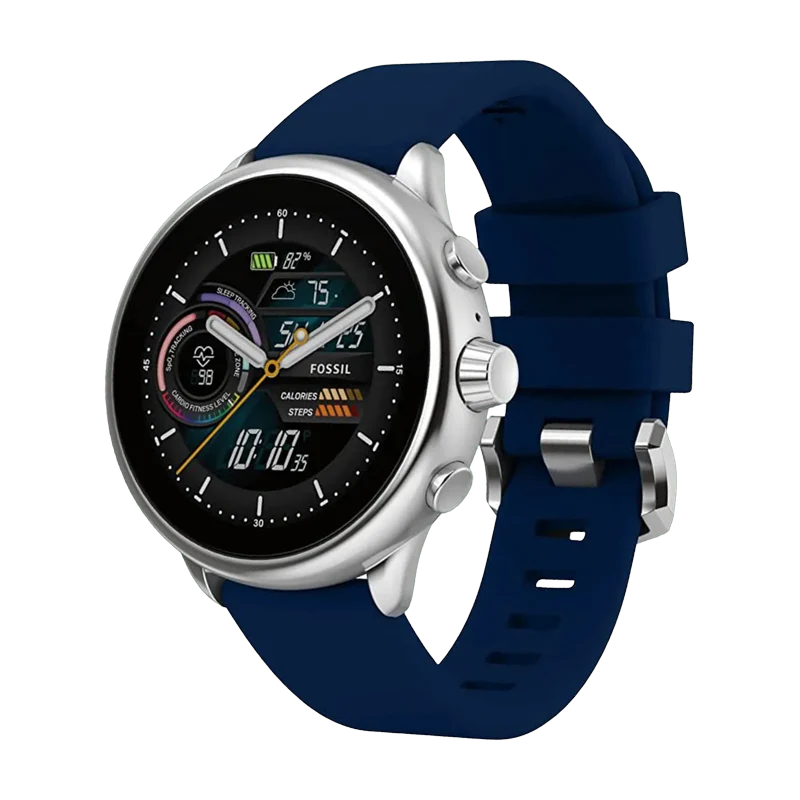
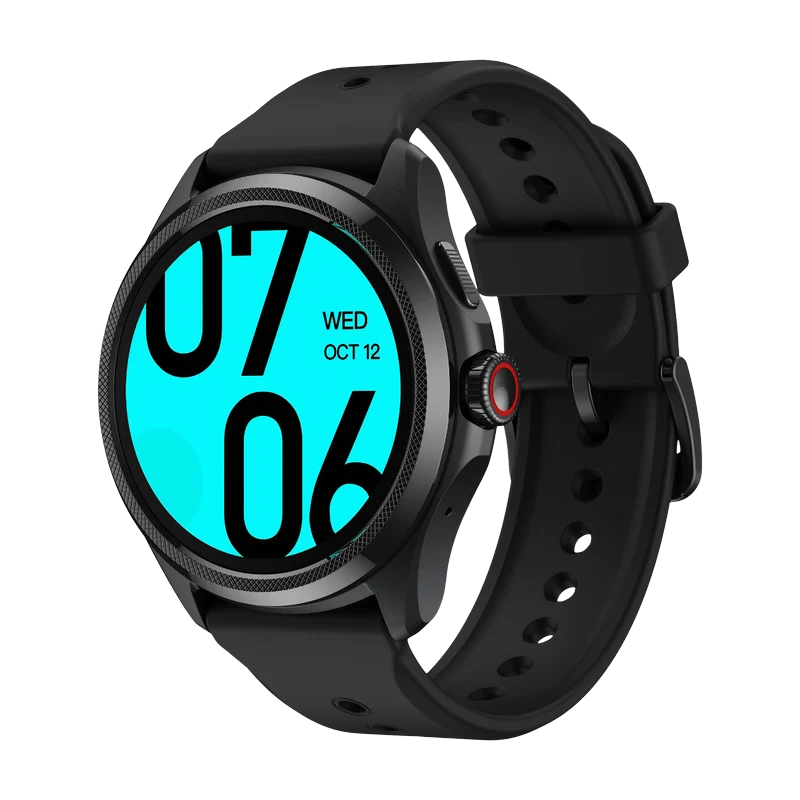
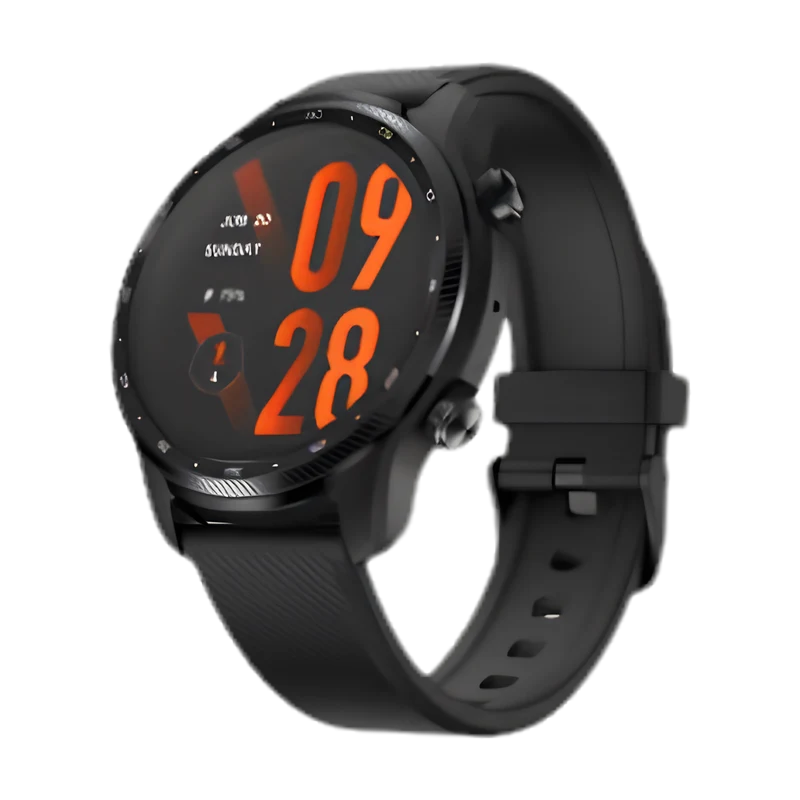
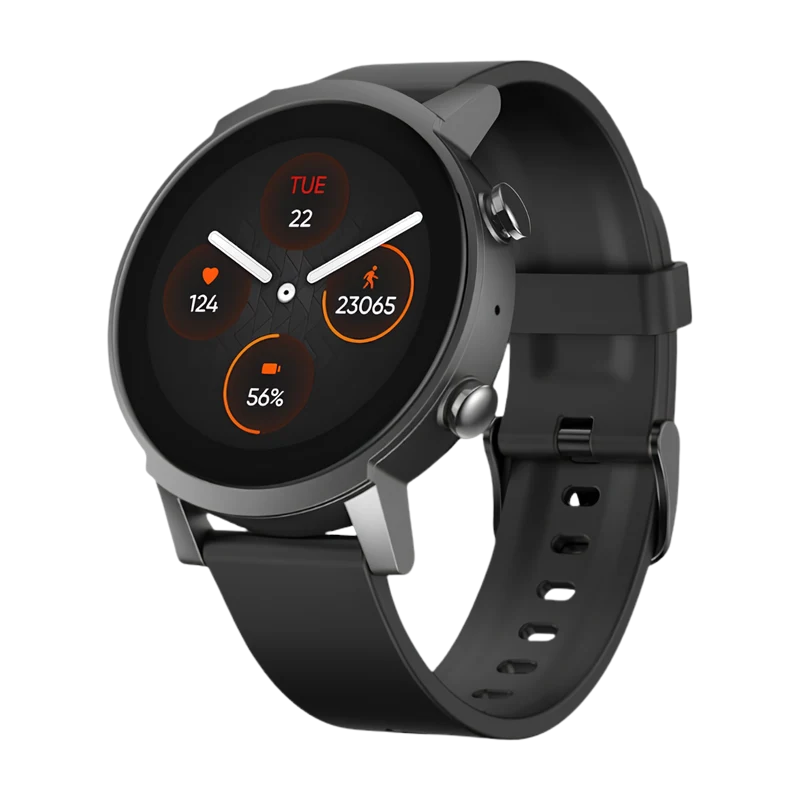
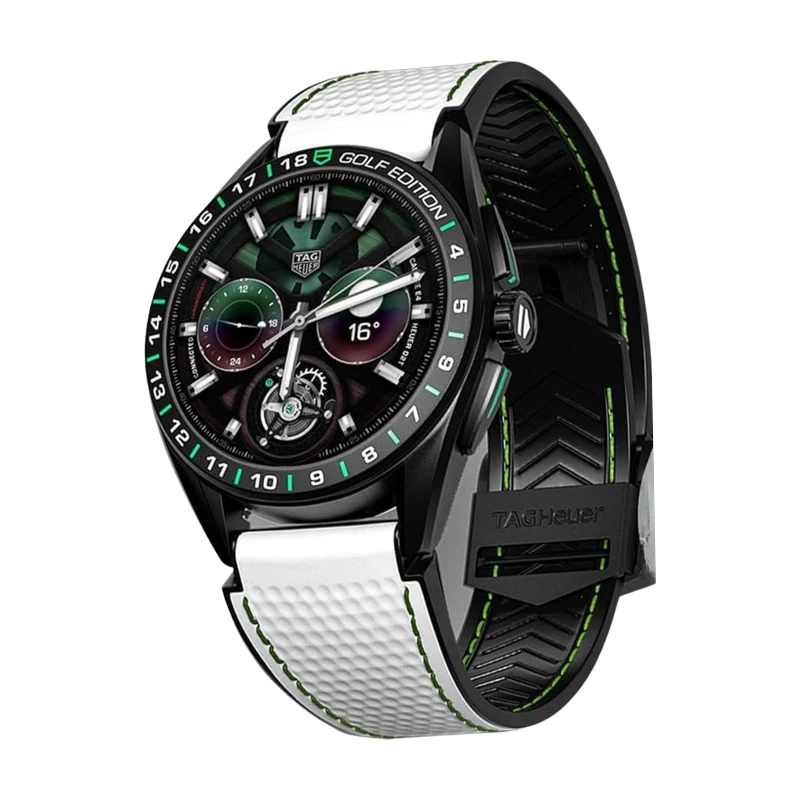
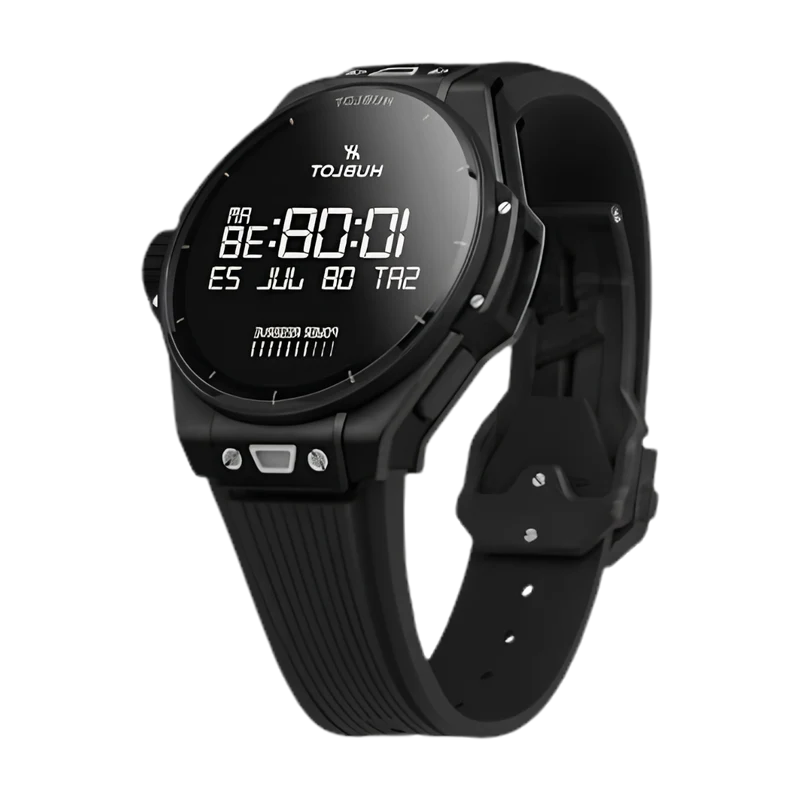
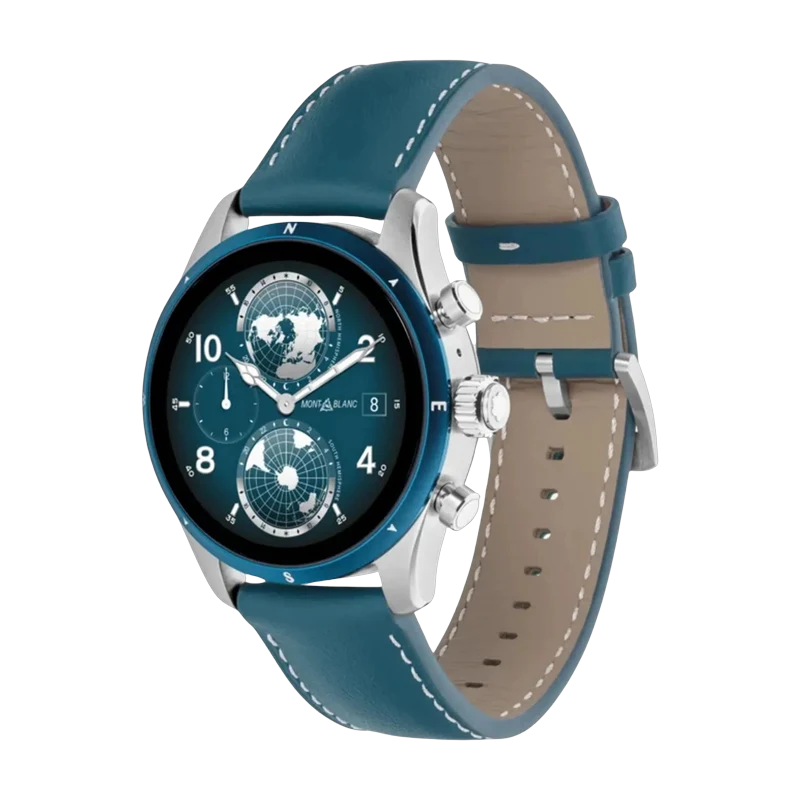
More watches being tested and optimized regularly. See full compatibility list