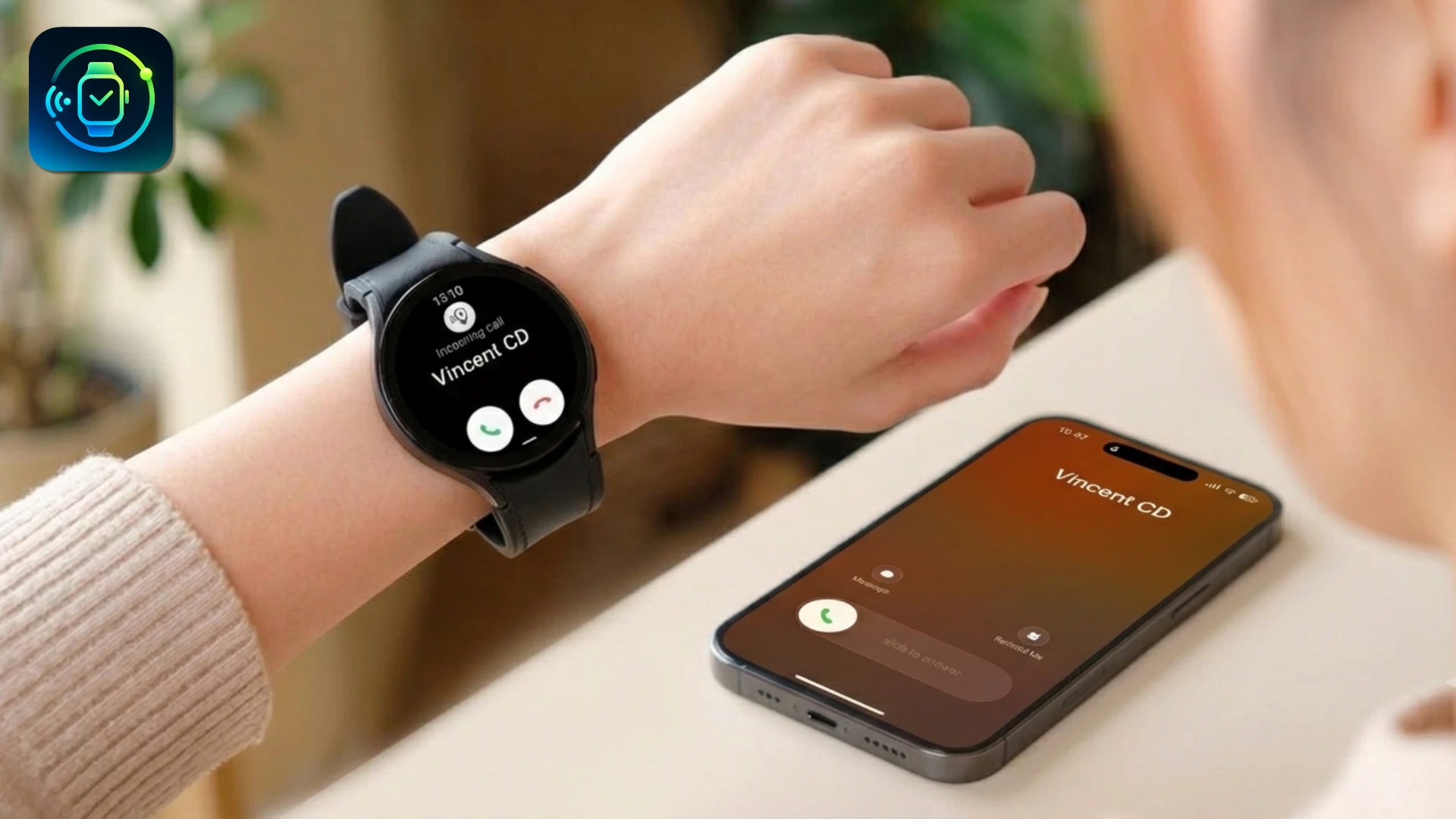
What Your Android Watch Can Do on iPhone
📞
Answer calls from your wrist
Use your Android Watch speaker and mic to take iPhone calls.
🔔
Get every iPhone notification
iMessage, WhatsApp and Gmail, all mirrored to your watch screen.
👤
See caller names
iPhone contacts sync to your watch so you always know who's calling.
❤️
Sync health to Apple Health
Steps, heart rate and sleep, all flowing from watch to Apple Health.
🔄
Stays connected automatically
Silent auto-reconnect whenever your watch comes back in range.
🎵
Control your music
Play, pause and skip iPhone music directly from your watch.
No Android phone? No problem.
Most Android Watch companion apps require an Android phone nearby. Lynio is different: after initial setup, your watch works entirely with your iPhone.
Android Watch + iPhone FAQs
Yes, with Lynio. Android Watch (Wear OS) officially requires an Android phone, but Lynio bridges the gap so your watch works fully with your iPhone.
Download Lynio on your iPhone from the App Store, install Lynio Watch on your Android Watch from Google Play, then open Lynio on iPhone and follow the pairing guide. Most people are connected in 5 to 10 minutes.
Yes. Lynio routes incoming and outgoing calls through your Android Watch speaker and mic. You can answer, speak, and end calls directly from your wrist.
Samsung Galaxy Watch 4 through Watch Ultra are fully Optimized. Google Pixel Watch, Xiaomi Watch, Fossil, TicWatch and others are Compatible. See the full list on our Features page.
Setup guides by watch brand
See all Lynio features or how it works