
The essentials, perfected
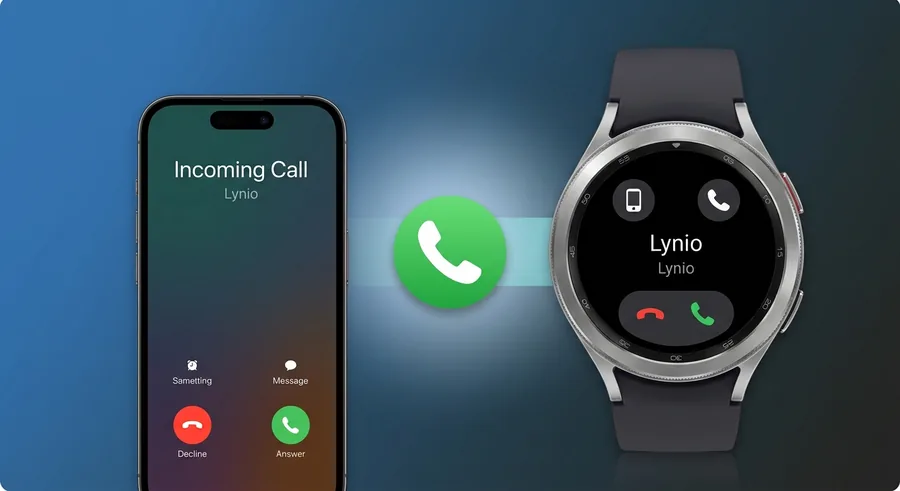
Phone Call Routing
Answer iPhone calls from your watch speaker and mic, and start them from Samsung Galaxy and Pixel watches.
Can I make calls from my watch?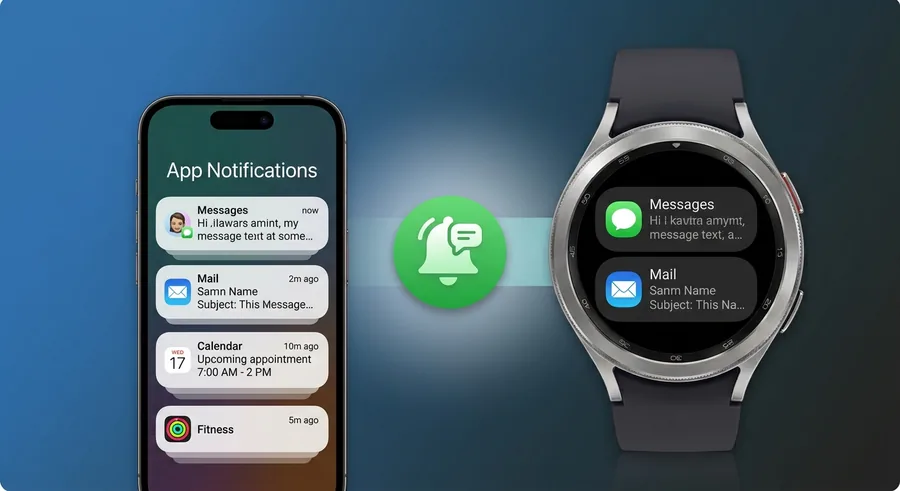
App Notifications
Every iPhone app (iMessage, WhatsApp, Gmail) mirrored instantly to your wrist.
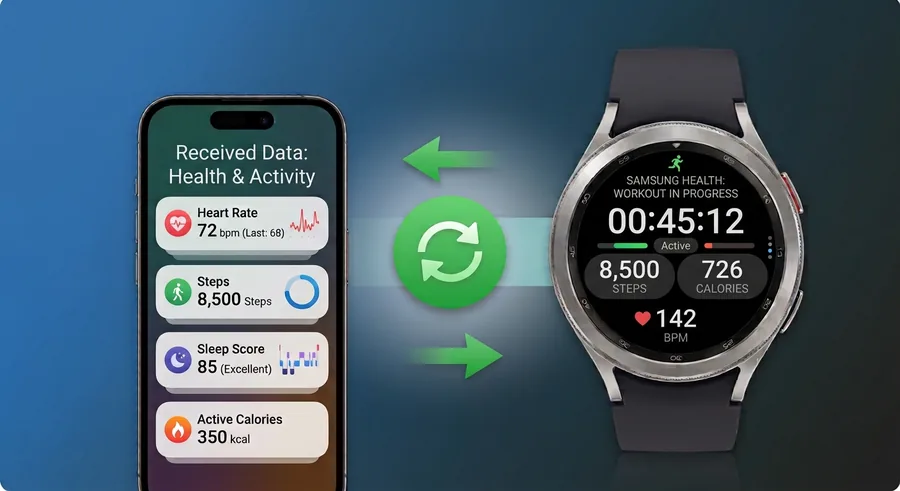
Health Data Sync
Heart rate, steps, sleep and calories flow from your watch straight into Apple Health.
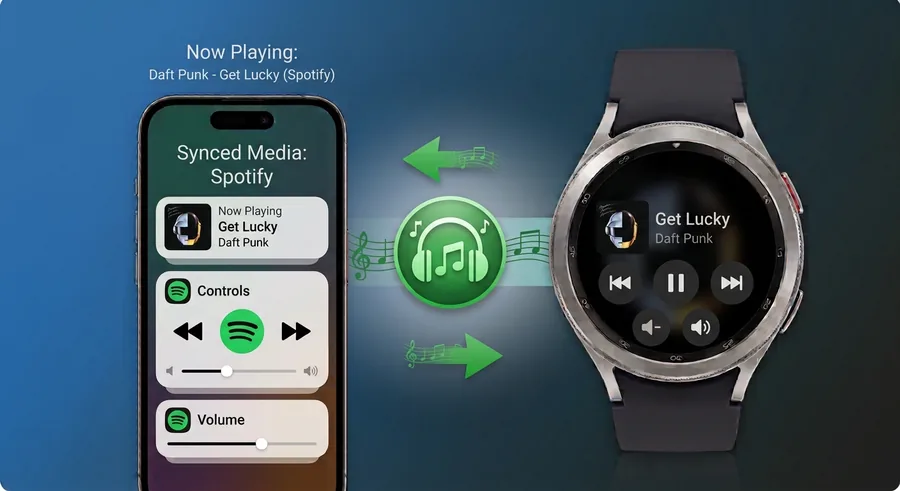
Media Control
Play, pause and skip iPhone music or podcasts from your wrist.
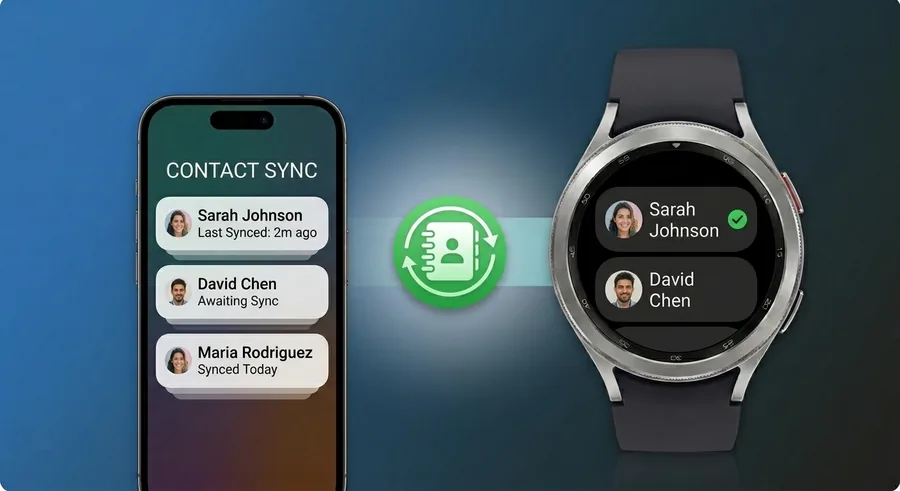
Contact Sync
Your full iPhone address book synced to the watch: see caller names, not numbers.
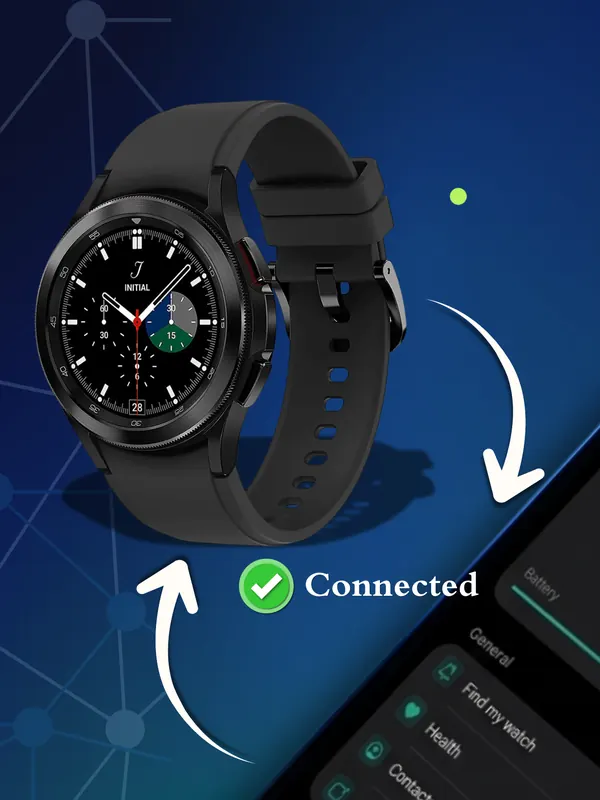
Auto Reconnect
Lynio silently re-establishes your Bluetooth link whenever your watch comes back in range.
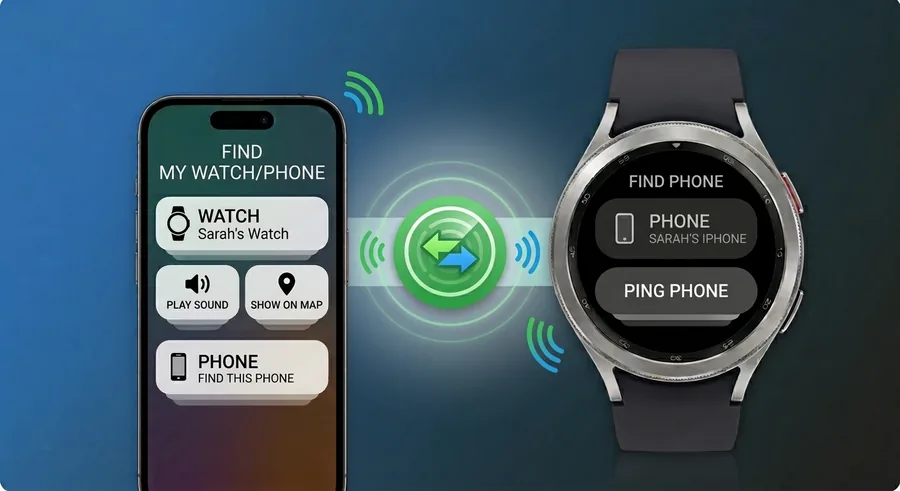
Find My Phone / Watch
Misplaced your iPhone or your watch? Ring either one from the other until you find it.
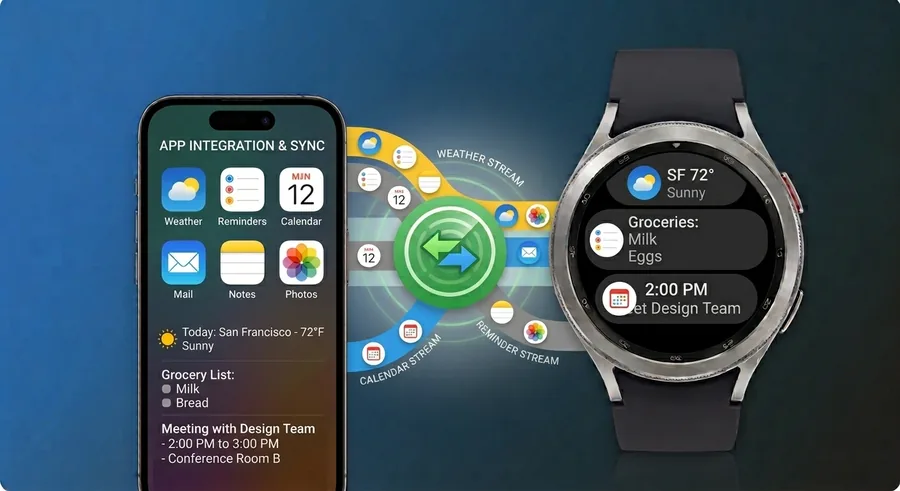
Weather, Reminders & Calendar
Weather, reminders and calendar events now sync to your watch, so the day ahead is one glance away.
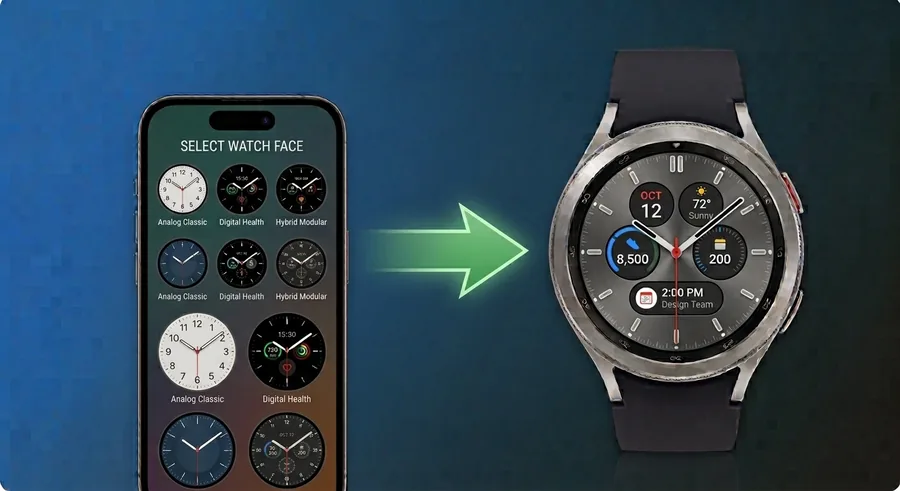
Watch Faces & Complications
Choose and customize watch faces and their complications from your iPhone.
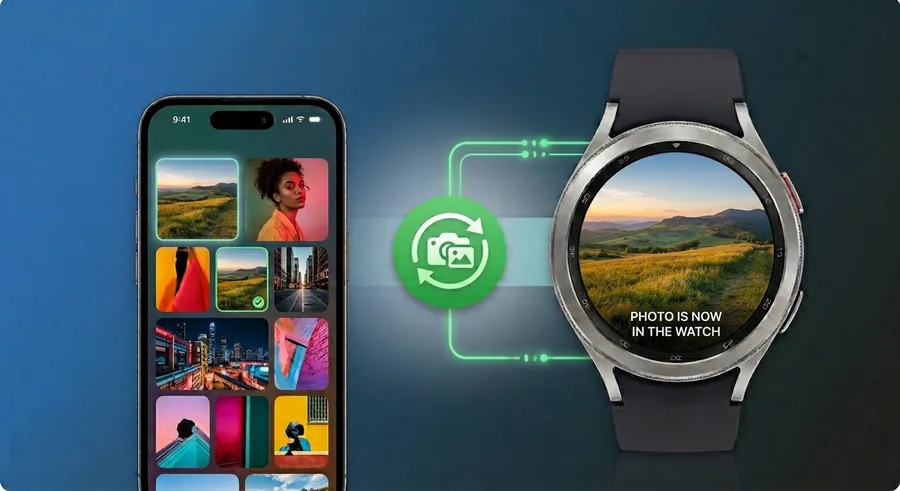
Photo Transfer
Pick photos on your iPhone and send them to your watch, ready to view on your wrist.
Built to go further
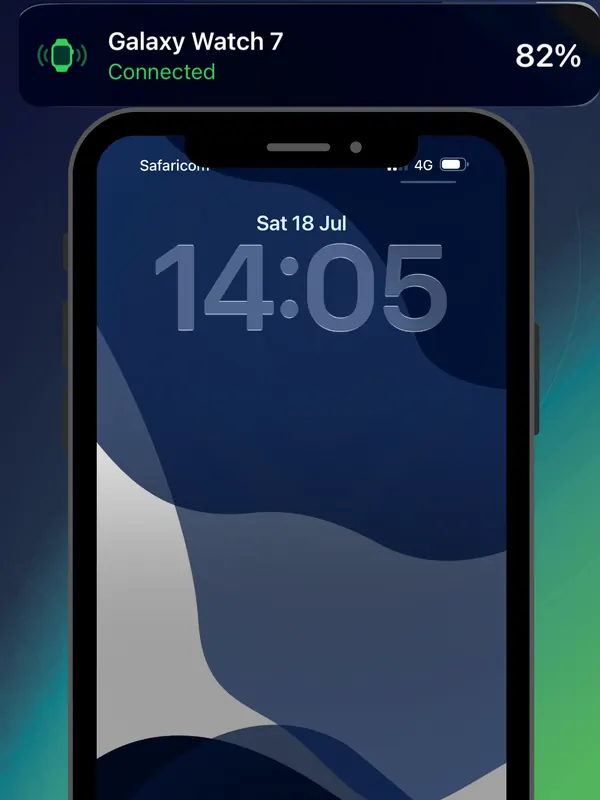
Live Activity & Battery
Watch battery level and details on your iPhone, plus status on your lock screen
Watch Settings from iPhone
Change your watch's language and time from iPhone
Connection Profiles
Smart Bluetooth for car, home & more
Notification History
Catch up on missed alerts (up to 24h)
DND Sync
One Do Not Disturb toggle for both devices
Status Widget
Quick-glance widget on home & lock screen
Reconnect Guide
Step-by-step in-app troubleshooting
Feature FAQs
All features are available now: calls, contacts, notifications, weather, reminders and calendar sync, watch faces and complications, photo transfer, watch language and time settings, Live Activity with battery details, auto-reconnect, widgets, health data sync, Find My Phone, media playback control, connection profiles, notification history, and DND sync.
No. After the initial watch app installation, all features work iPhone-only. You do not need an Android phone.
Yes. All features including weather, reminders and calendar sync, watch faces, photo transfer, watch settings, health data sync, Find My Phone, media playback control, connection profiles, notification history, and DND sync are fully available in the current version of the app.
Lynio works at the system level: notifications and calls work across all apps. Some advanced per-app features depend on the Wear OS version on your watch.
No. Lynio does not use a Google, Samsung or any other account to connect. It links your watch and your iPhone directly: the Lynio app on your Wear OS watch talks to the Lynio app on your iPhone.
No. eSIM setup is handled by the watch's operating system and your mobile carrier, not by apps. Lynio is an app that works between two operating systems, Wear OS and iOS. It can only use the features those systems allow, and eSIM setup is not one of them.
We have put a lot of work into keeping Lynio's battery use low without weakening the connection. Your watch should use about the same battery with Lynio as it would when connected to an Android phone.
Older watches will drain faster, for a few reasons:
- Batteries wear out with use. Every full charge and drain slowly reduces how much power a battery can hold. A two-year-old watch may hold noticeably less than when it was new, so the same use empties it sooner.
- Worn batteries struggle under load. When the watch does something demanding, like a call or a burst of notifications, an older battery's charge can drop quickly.
- Older chips use more power. Newer watches have processors and Bluetooth chips built to do the same work using less energy.
- New software is built for new hardware. Recent Wear OS updates are designed for newer watches and can be heavier on older ones.
If your watch drains much faster than expected, check its battery health in the watch settings. You can also see your watch's battery details in the Lynio iPhone app.